Executive Summary: What to decide before you demo
Start with your non‑negotiables: real‑time ERP sync, inventory accuracy targets, industry compliance (FEFO, GS1, retailer ASN rules), and whether you need WMS only or WMS plus freight and production on one platform. Score vendors on integration depth (open API vs partner‑only), implementation realism (8–12 weeks vs multi‑month SI projects), mobile flexibility (BYOD vs locked hardware), and total cost of change — not licence price alone. Use the checklist below in every RFP and demo.
“Best WMS” lists are everywhere in 2026, but they rarely help a warehouse director or COO make a defensible choice. Your operation has a specific ERP, carrier mix, SKU profile, and peak season — generic rankings cannot account for that.
A better approach is to treat WMS selection like any other major capital decision: define requirements, weight what matters, run structured demos, and validate references in businesses that look like yours. This guide is that framework — vendor‑neutral in the evaluation steps, with pointers to where eveXso fits when you are ready to compare options.
If you already suspect your current system is the bottleneck, read five signs you have outgrown your WMS first — it will sharpen the pain points you need vendors to solve.
1. Clarify why you are buying (and what success looks like)
Projects fail when the goal is vague (“we need a new WMS”) instead of measurable outcomes. Before you invite vendors, agree internally on three to five success metrics, for example:
- Inventory accuracy at or above 99% with cycle counting, not annual wall‑to‑wall stocktakes only
- Order cut‑off and dispatch SLAs for key retail or B2B customers
- Pick rate and labour hours per order at peak (Black Friday, harvest, promo windows)
- Receiving turnaround when ASNs are used vs blind receipts
- Traceability: batch, expiry, serial, or catch‑weight — whatever your industry requires
Document current‑state baselines even if they are rough. Vendors will promise improvements; your leadership team needs a before‑and‑after story for the business case.
2. Map your ERP and integration reality
In 2026, the WMS is rarely standalone. It must stay aligned with your ERP — sales orders, purchase orders, inventory adjustments, transfers, and often production or assembly — in near real time. Ask every shortlisted vendor:
Integration questions for demos
- Is there a pre‑built connector for our ERP, or only a systems integrator project?
- Can we inspect API documentation and sandbox environments before signing?
- How are master data (items, customers, locations) kept in sync before transactions flow?
- What happens when the ERP is offline — do updates queue safely?
- Who owns the integration when the ERP upgrades — us, the WMS vendor, or a partner?
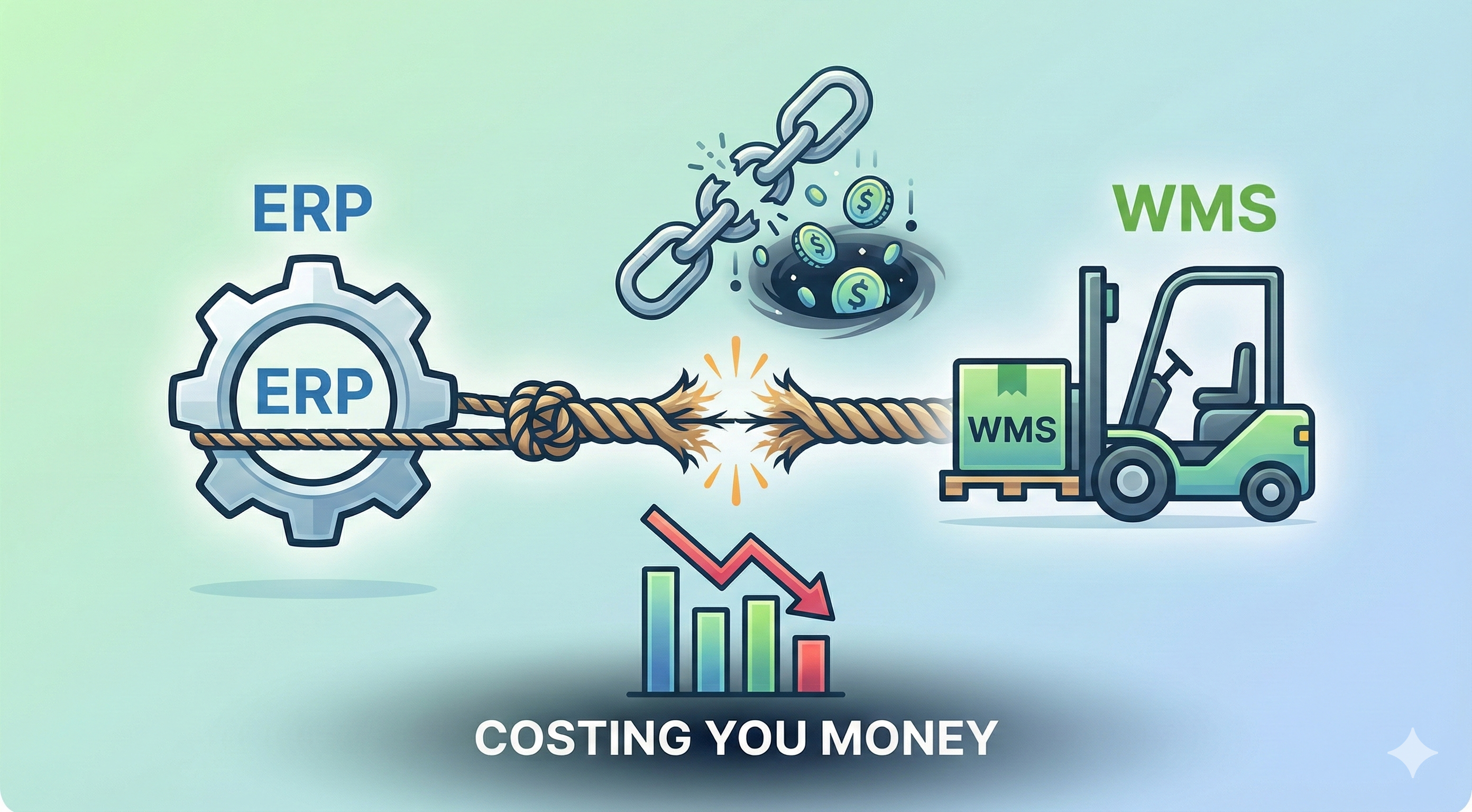
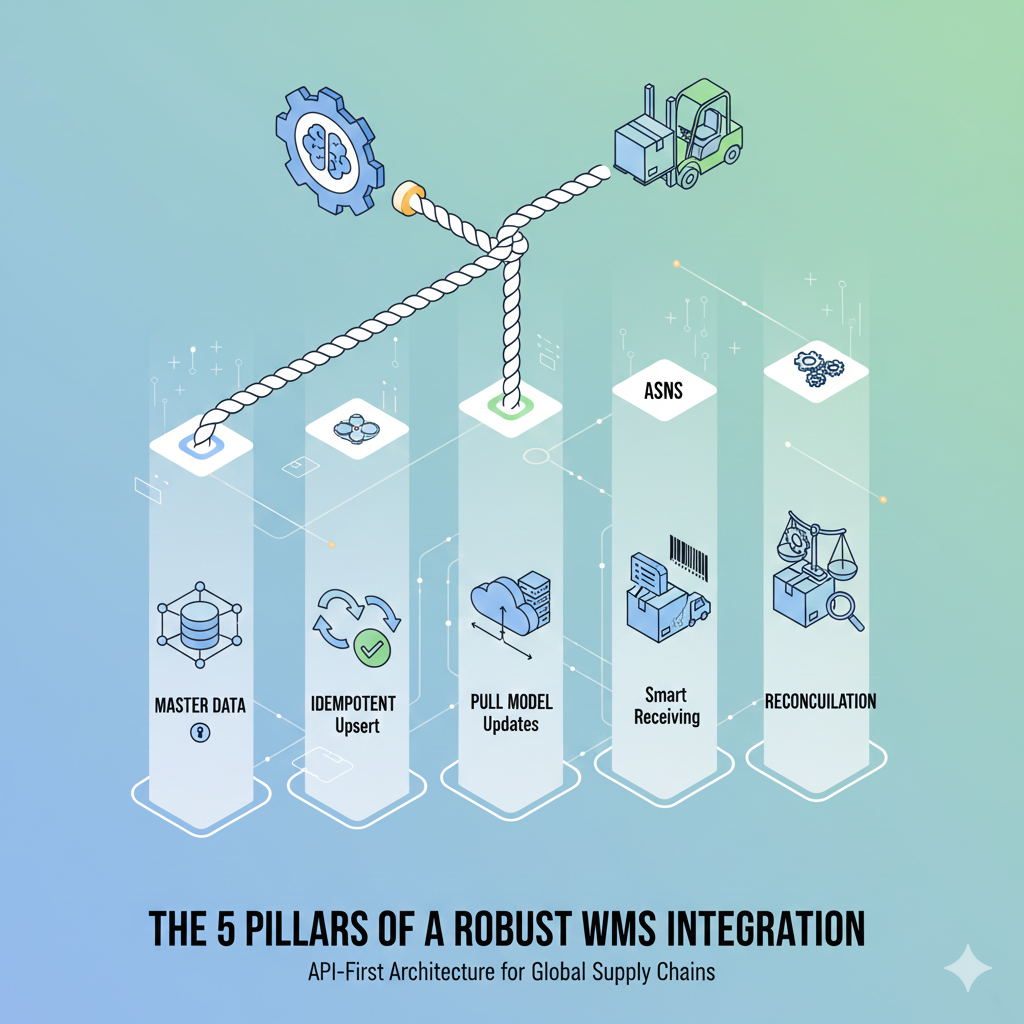
Closed or partner‑only APIs often mean longer timelines and higher change cost every time your business adds a channel or acquires a site. An API‑first WMS with 1,200+ documented REST API endpoints gives your team, integrators, and Dave agentic AI room to adapt. For architectural depth, see the five pillars of a robust WMS–ERP connection.
eveXso publishes developer documentation with 1,200+ REST API endpoints, pre‑built connectors for Acumatica, MYOB EXO, Microsoft Dynamics 365 Business Central, Pronto, and Greentree, plus an open API path for NetSuite, SAP, Odoo, and custom ERPs. That mix matters if you want speed without giving up control.
3. Cloud WMS vs legacy: total cost and flexibility
Cloud warehouse management is the default for new selections in Australia, New Zealand, and most mid‑market global operators — but not all cloud products behave the same. Compare:
What to favour
- Transparent pricing for users, sites, and seasonal burst
- Configurable workflows without a code project for every tweak
- Multi‑site visibility from one login
- Regular product updates without on‑prem upgrade weekends
Red flags
- Annual user blocks that punish peak season staffing
- WMS‑only scope when you still need TMS or production elsewhere
- Integration quoted as a separate multi‑month SI engagement by default
- Hardware tied to a certified device list with per‑device fees
For a structured view of how API‑native cloud WMS compares to typical alternatives, use our eveXso vs cloud WMS alternatives page alongside eveXso vs traditional WMS if you are still running on‑premise or heavily customised legacy software.
4. Operations fit: industry, compliance, and floor workflows
Feature checklists should mirror how your floor actually works — not how a sales deck imagines it. Walk through your highest‑volume and highest‑risk processes in demos:
- Inbound: ASN receiving, QC holds, cross‑dock, returns
- Storage: FEFO/FIFO, batch and expiry, catch‑weight, bonded or quarantine zones
- Outbound: wave or batch picking, cartonisation, SSCC labels, retailer‑specific packing rules
- Value‑add: kitting, repack, labelling, production backflush if you manufacture
- Freight: carrier labels, manifesting, and track‑and‑trace if WMS and TMS are separate today
Food, FMCG, and retail distribution often need GS1 barcodes, MLOR/FEFO logic, and ASN compliance — see our FMCG solutions hub for how industry requirements map to WMS capabilities. 3PL operators should validate multi‑client billing, segregated inventory, and client portals on the same shortlist criteria.
5. Mobile, scanning, and the hardware decision
Scanning drives accuracy. In 2026 you can deploy consumer smartphones with camera scanning, enterprise Zebra devices, or a hybrid by zone — but your WMS should support that choice rather than forcing one model.
Ask vendors to demo your actual label types (Code 128, GS1‑128, QR, SSCC) on the devices you plan to use. Confirm offline behaviour if Wi‑Fi is patchy in chillers or yard areas. Our guide on rugged vs consumer hardware walks through trade‑offs eveXso customers use in practice.
6. Implementation timeline and who does the work
Be sceptical of go‑live promises that ignore data migration, integration testing, and floor training. For a mid‑sized single‑site or dual‑site deployment with a supported ERP, a realistic cloud WMS programme is often in the 8–12 week range when requirements are scoped and master data is owned internally — not a multi‑month systems integrator programme by default.
Request a written implementation plan: phases, data cutover strategy, UAT scripts tied to your success metrics, hypercare, and who signs off at each gate. References should include businesses that went live in the last 12–18 months, not only flagship installs from five years ago.
7. Build the business case (ROI without fantasy numbers)
Finance will ask for payback. Anchor the case in measurable leaks: pick errors, stock write‑offs, overtime at peak, expedited freight from mis‑picks, and customer chargebacks. The ROI of inventory accuracy explains why moving toward 99%+ accuracy often pays back faster than leadership expects.
Include implementation cost, internal project time, and 12 months of licence — not licence alone. A cheaper subscription that takes nine months to integrate rarely wins on total cost.
“The right WMS in 2026 is the one your team can run on day one after go‑live — not the one that looks best in a slide deck before integration starts.”
WMS selection checklist (2026)
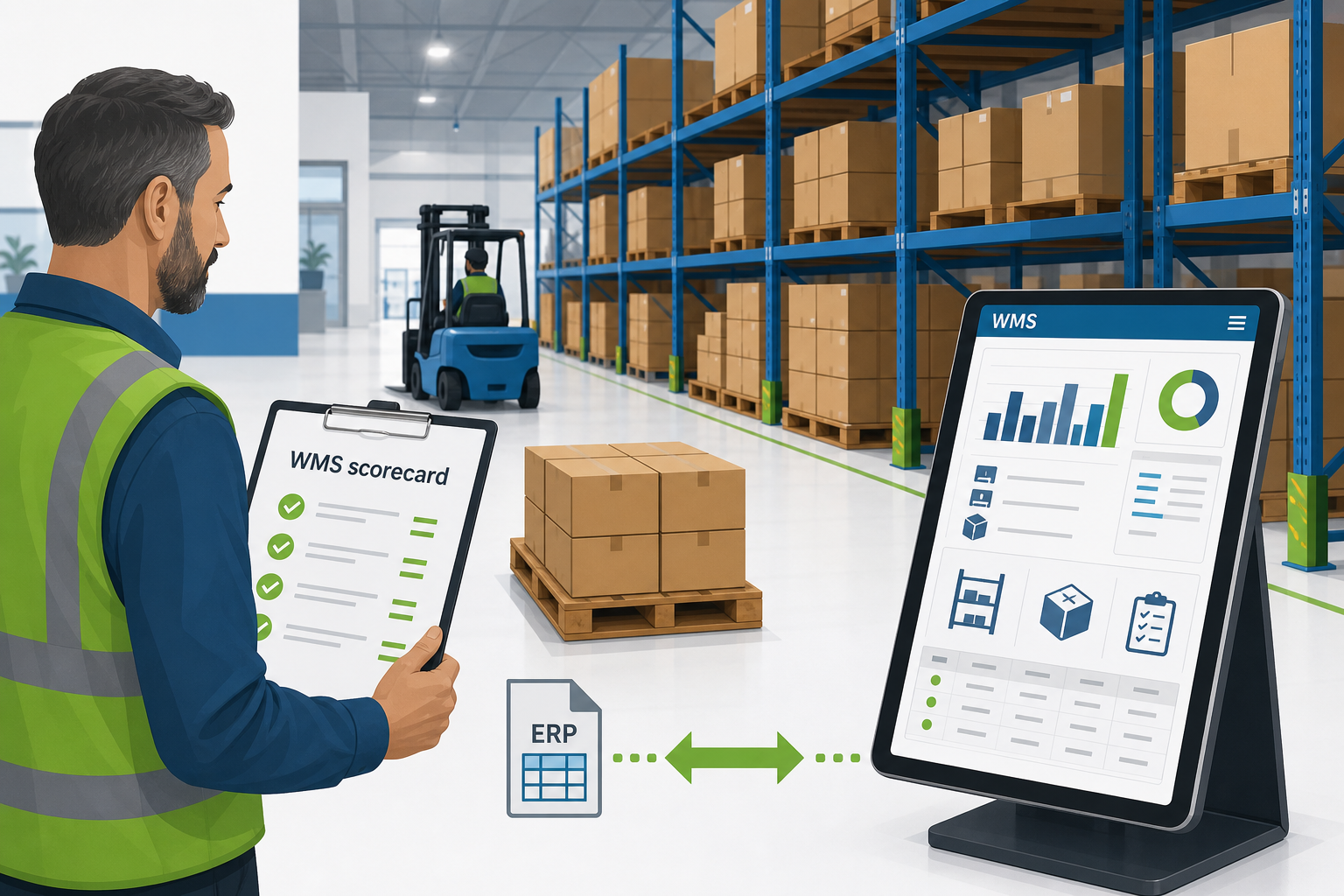
Copy this into your RFP or scorecard. Rate each vendor 1–5 and require evidence in the demo, not marketing PDFs.
| Criterion | What good looks like |
|---|---|
| ERP integration | Pre‑built or documented API; real‑time sync; safe queueing on outage |
| Inventory accuracy | Scan‑verified moves, cycle counting, location‑level visibility |
| Industry compliance | Batch/expiry, FEFO, GS1, retailer ASN and label rules as needed |
| Scalability | Peak throughput, extra sites, new channels without replatforming |
| Mobile & hardware | BYOD and/or rugged; supports your barcode symbologies |
| Scope | WMS only vs WMS + TMS + production on one platform |
| Implementation | Named plan, UAT, training, hypercare; credible 8–12 week path if scope fits |
| TCO & contract | Users, sites, integration, and change requests priced transparently |
| Support & roadmap | Regional support hours; product direction aligned to your 3‑year plan |
Running the shortlist: demos, references, and decision
Run the same scripted scenarios with every vendor — one inbound with ASN, one complex pick (multi‑line, batch constraint), one outbound with carrier labels. Score against the checklist immediately while notes are fresh. Speak to at least two reference customers with similar SKU count and ERP; ask what they would do differently and how long integration actually took.
When you are ready to see how eveXso compares on integration, cloud architecture, and go‑live approach, start with the WMS platform overview and our integrations hub. Explore industry‑specific paths via solutions by sector — including WMS in Australia and WMS in New Zealand if you operate in ANZ, or WMS in the United Kingdom for Business Central and UK freight.
Need help pressure‑testing your requirements? Chat with our sales assistant, about ERP fit, integration patterns, or typical implementation phases — or book a discovery call to walk through your checklist with our team.
Email sales@evexso.com if you prefer to send your RFP criteria directly.